Order digital images
Overview
This guide explains how to buy one or more digital images of your child. If you want every photo, the full gallery download is usually the better deal.
Before you start
- Open your child's gallery. See Find your child's gallery.
Buy a single digital image
- Click Shop now, then click A la carte at the top.
- Click the photo you want (or Select products under it).
-
Under Downloads, find Photo Download - Individual image and click Select and edit.
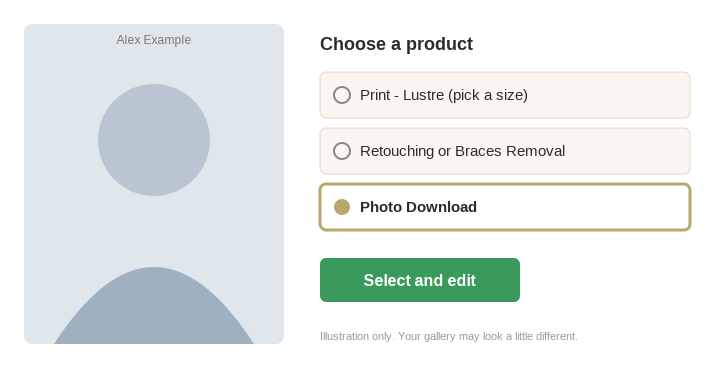
Illustration only. Your gallery may look a little different. -
Click Add to cart.
- Want the digital image retouched? Add Retouching for the same photo too. See Request retouching.
- Open the cart, click Proceed to checkout and pay.
Your download link arrives by email after payment. See Digital download details.
Do I need to crop a digital image?
No. Cropping only applies to prints. Digital images come as the full photo.
See also
Still stuck? Email support@stilllightstudios.com
with your child's name, school and (if you have one) your order number. We usually reply within 24 hours.