Crop or reframe a photo
Overview
You can change how a print is framed, for example to fill more of the frame with your child's face. Cropping happens in the shopping cart. It only applies to prints. Digital images always come as the full photo.
Crop a print
- Add the print or package to your cart.
- Click the shopping cart in the upper right.
- Click the photo on the print you want to adjust.
- Move and resize the crop box until it looks right.
-
Watch the stars. They show whether the photo has enough resolution for that crop. More stars means a sharper print. If the stars drop, zoom out a little.
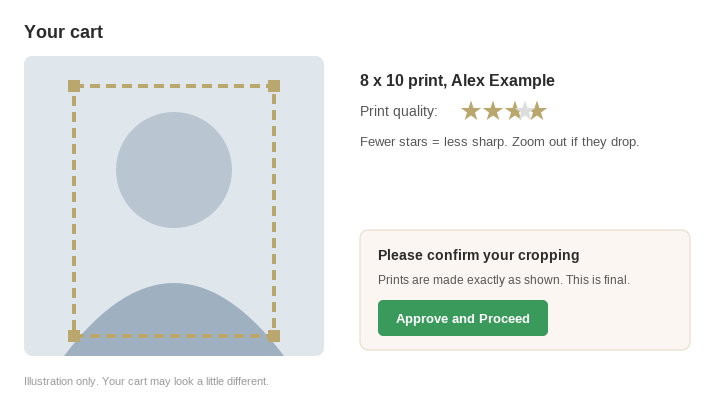
Illustration only. Your cart may look a little different. -
Save the crop and repeat for any other print.
- Click Proceed to checkout. A reminder asks you to sign off on your cropping.
- Click Approve and Proceed.
Cropping is final
Once you approve, prints are made exactly as cropped. Take a second look at every print before you approve.
See also
Still stuck? Email support@stilllightstudios.com
with your child's name, school and (if you have one) your order number. We usually reply within 24 hours.